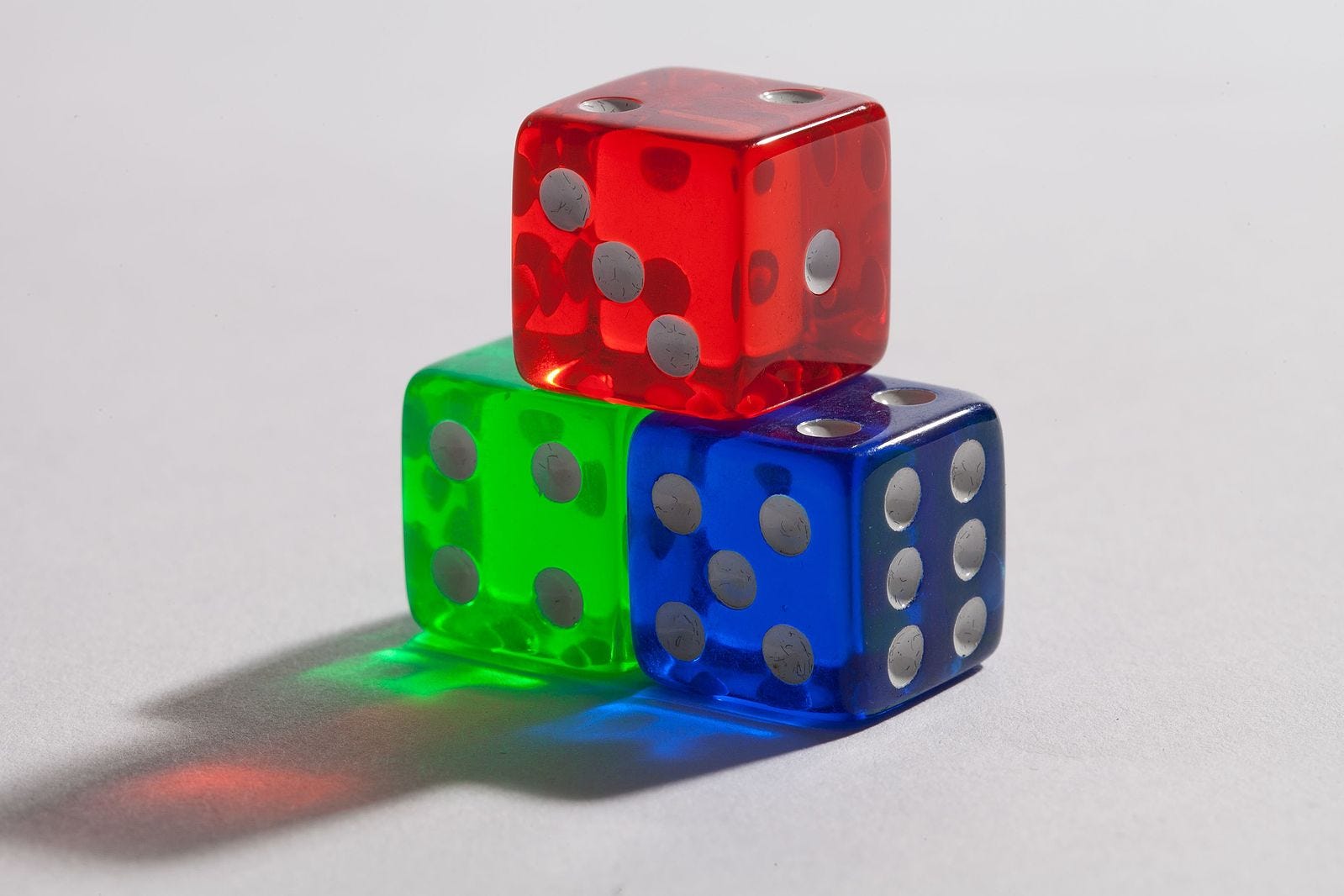
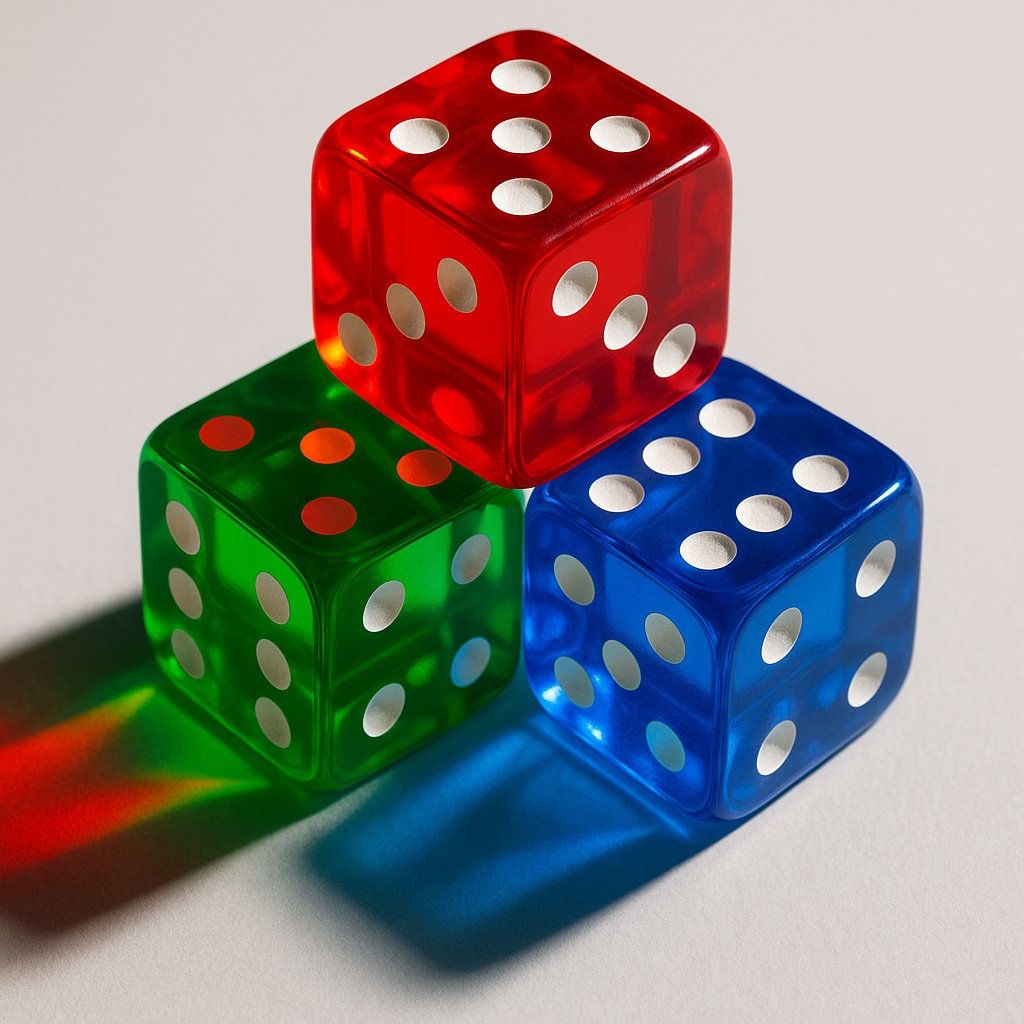
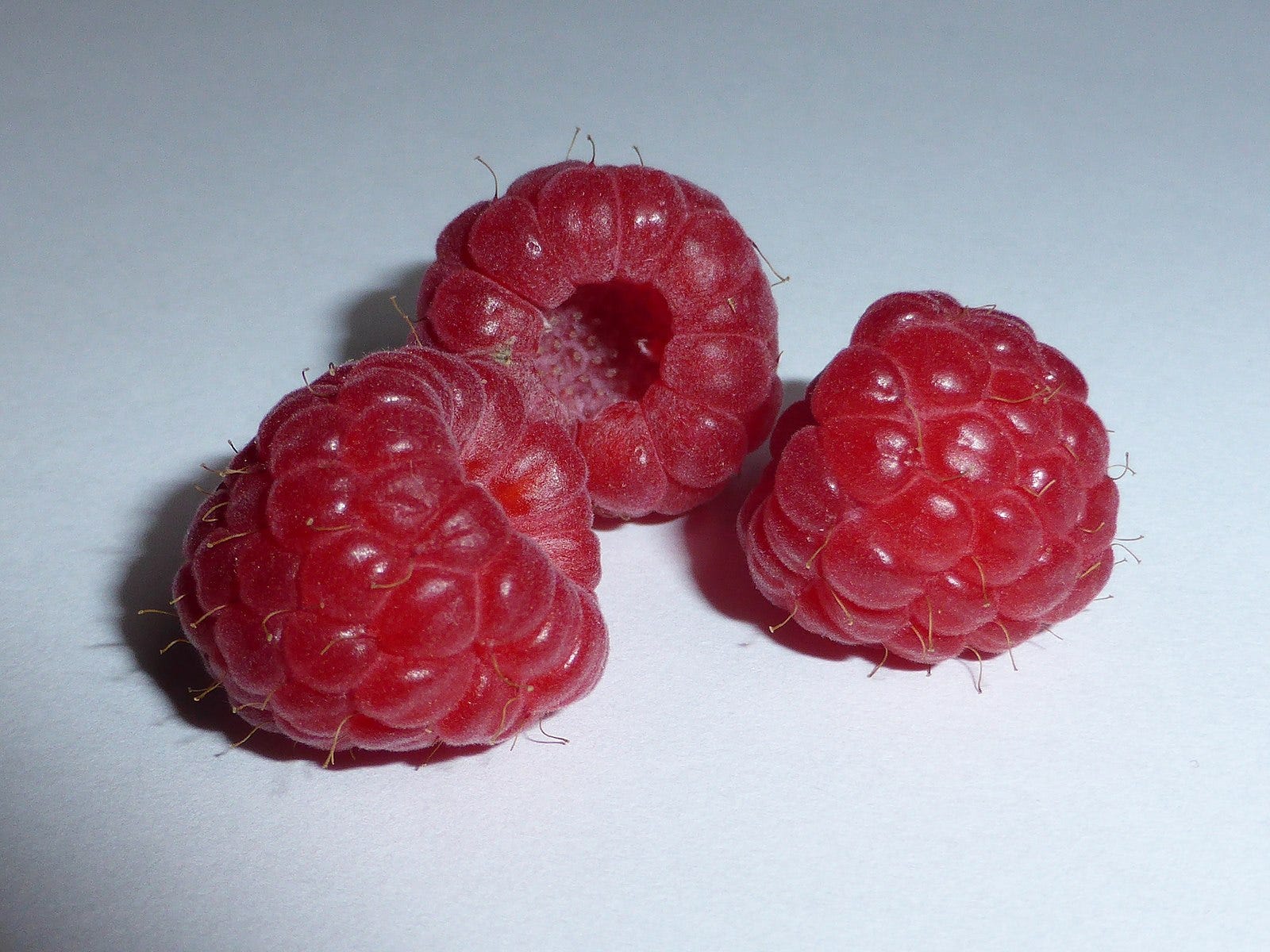
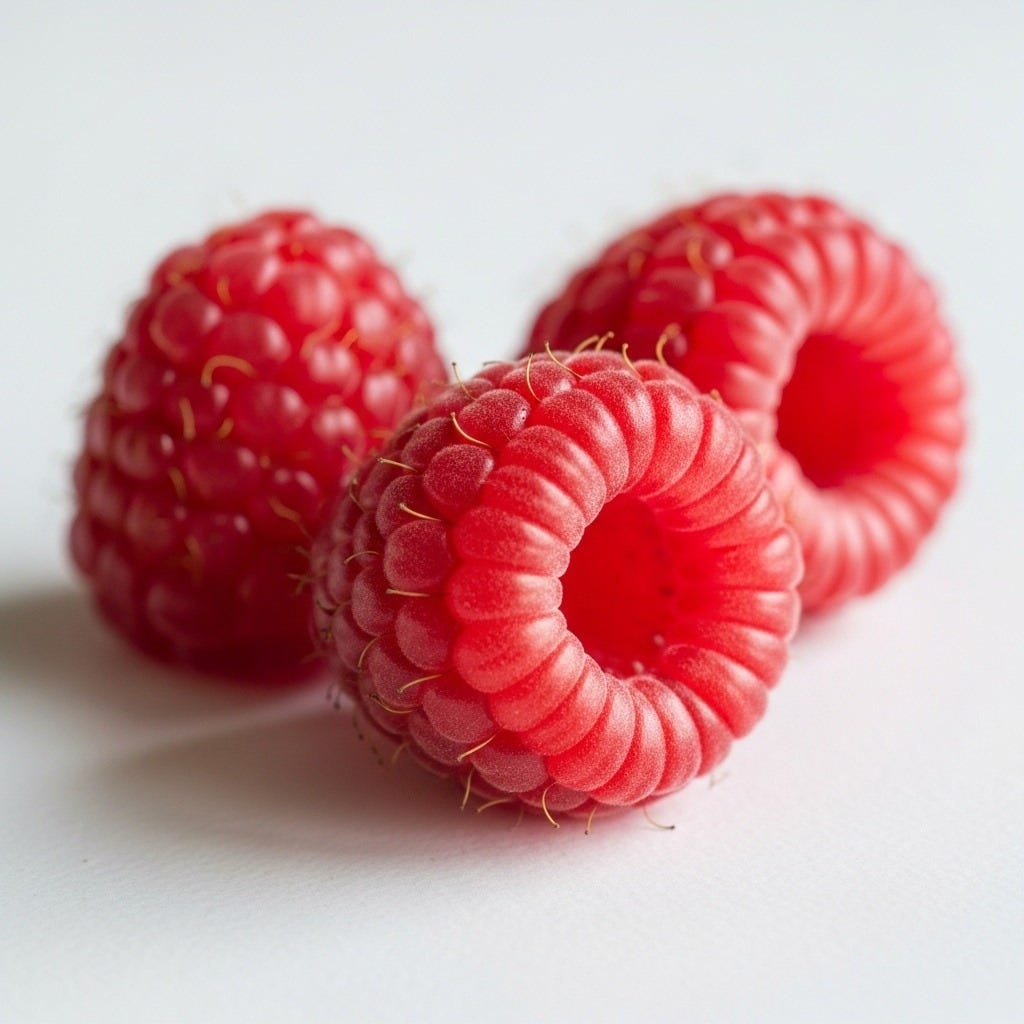
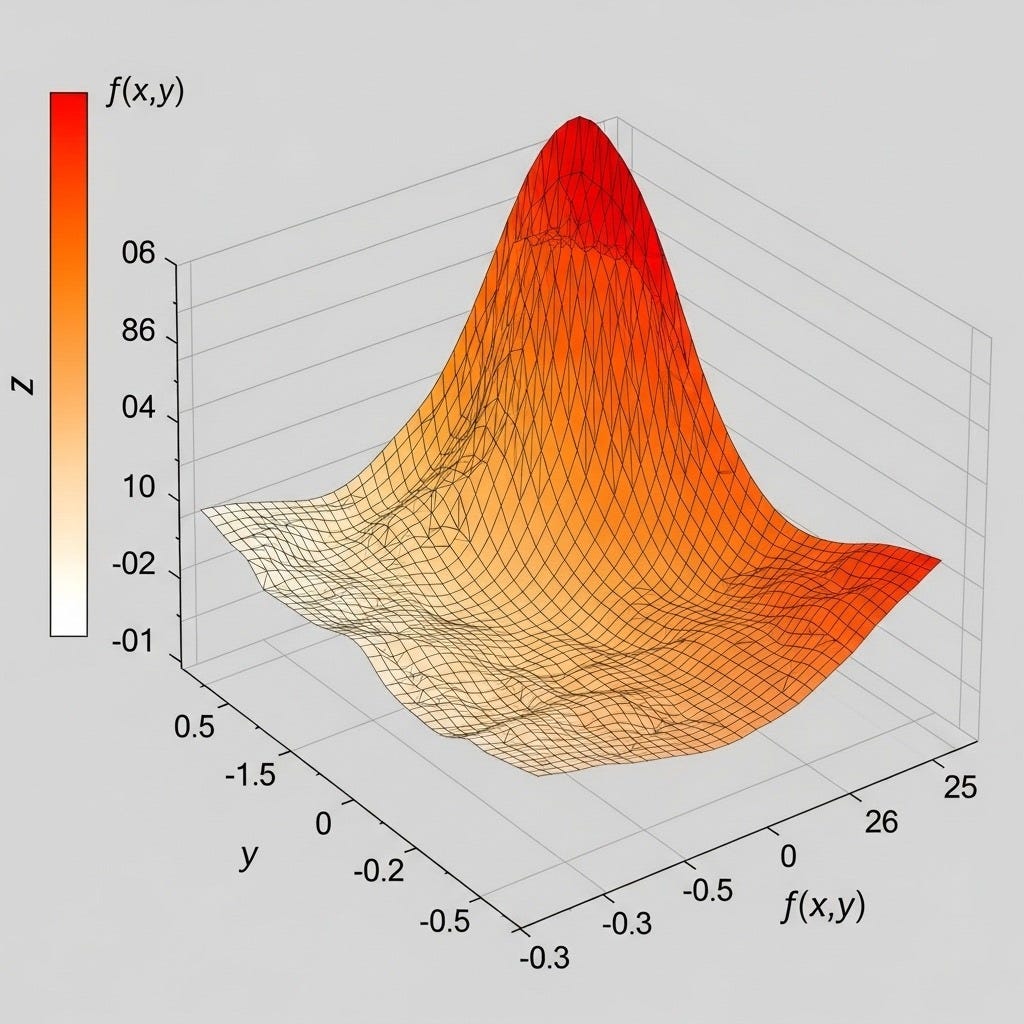
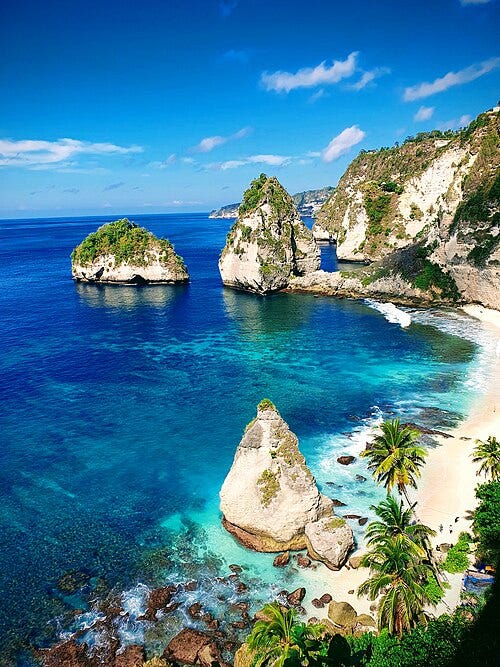
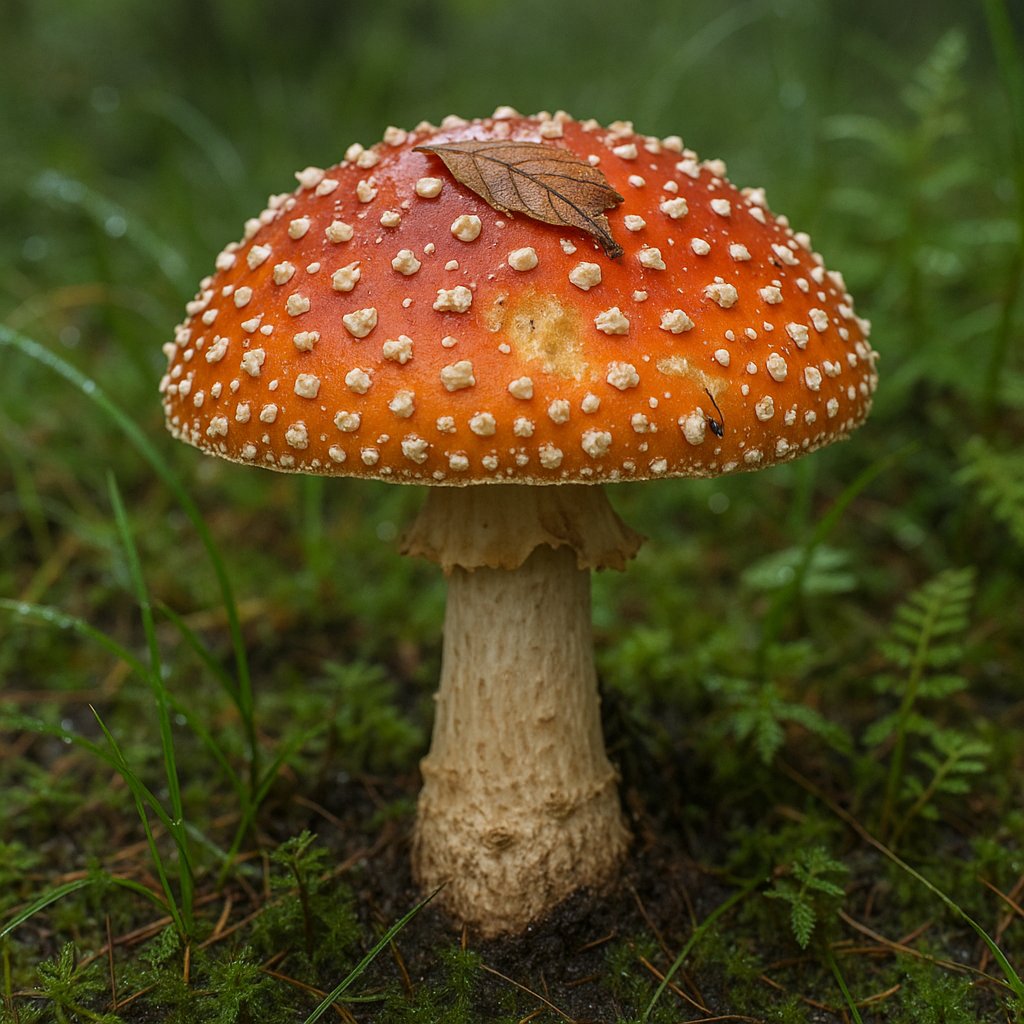
I’ve recently seen this trick on TikTok: You give an LLM an image and ask it to generate an “Advanced JSON context profile”. Here is what it gives you:

In this article I’ll explore this technique.
The Process: How it Works
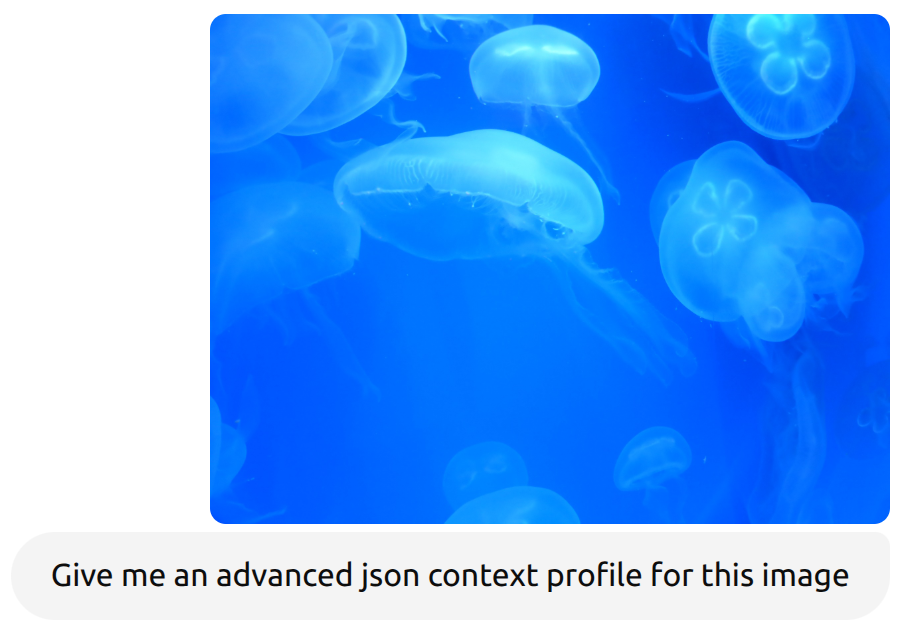
ChatGPT returned this:
{
  "image_metadata": {
    "filename": "Aurelia-aurita-3.jpg",
    "resolution": {
      "width": 1024,
      "height": 768
    },
    "file_format": "jpg",
    "color_profile": "sRGB",
    "dominant_colors": ["#0000FF", "#00BFFF", "#E0FFFF"]
  },
  "biological_subject": {
    "common_name": "Moon Jellyfish",
    "scientific_name": "Aurelia aurita",
    "taxonomy": {
      "kingdom": "Animalia",
      "phylum": "Cnidaria",
      "class": "Scyphozoa",
      "order": "Semaeostomeae",
      "family": "Ulmaridae",
      "genus": "Aurelia",
      "species": "A. aurita"
    },
    "anatomical_features": {
      "bell_shape": "hemispherical",
      "color": "translucent bluish-white",
      "distinctive_markings": "four gonads visible through bell, arranged in a clover pattern",
      "tentacles": "short, fine marginal tentacles"
    },
    "habitat": {
      "environment": "marine",
      "region": "temperate and tropical waters worldwide",
      "depth_range": "surface to 30 meters"
    },
    "behavior": {
      "movement": "pulsating bell contractions",
      "diet": "zooplankton, small fish, and larvae",
      "reproduction": "alternates between sexual medusa stage and asexual polyp stage"
    }
  },
  "visual_context": {
    "scene_type": "underwater",
    "setting": "aquarium or natural ocean",
    "number_of_subjects": "10+ jellyfish",
    "lighting": "backlit blue with fluorescent diffusion",
    "image_focus": "clear foreground jellyfish, blurred background",
    "composition": {
      "depth": "medium",
      "symmetry": "natural and radial patterns",
      "contrast": "high between jellyfish and background"
    }
  },
  "semantic_labels": [
    "marine_life",
    "jellyfish",
    "Aurelia_aurita",
    "underwater_scene",
    "blue_background",
    "aquatic_invertebrate",
    "bioluminescent_effect",
    "transparency",
    "ocean_ecology",
    "Cnidaria"
  ],
  "possible_applications": [
    "marine biology research",
    "educational material",
    "AI training dataset",
    "biodiversity documentation",
    "screen saver or wallpaper",
    "aquarium promotional media",
    "art and design inspiration"
  ]
}
When you open a new chat, give ChatGPT this Advanced JSON Context Profile (AJCP), it generates the following image:
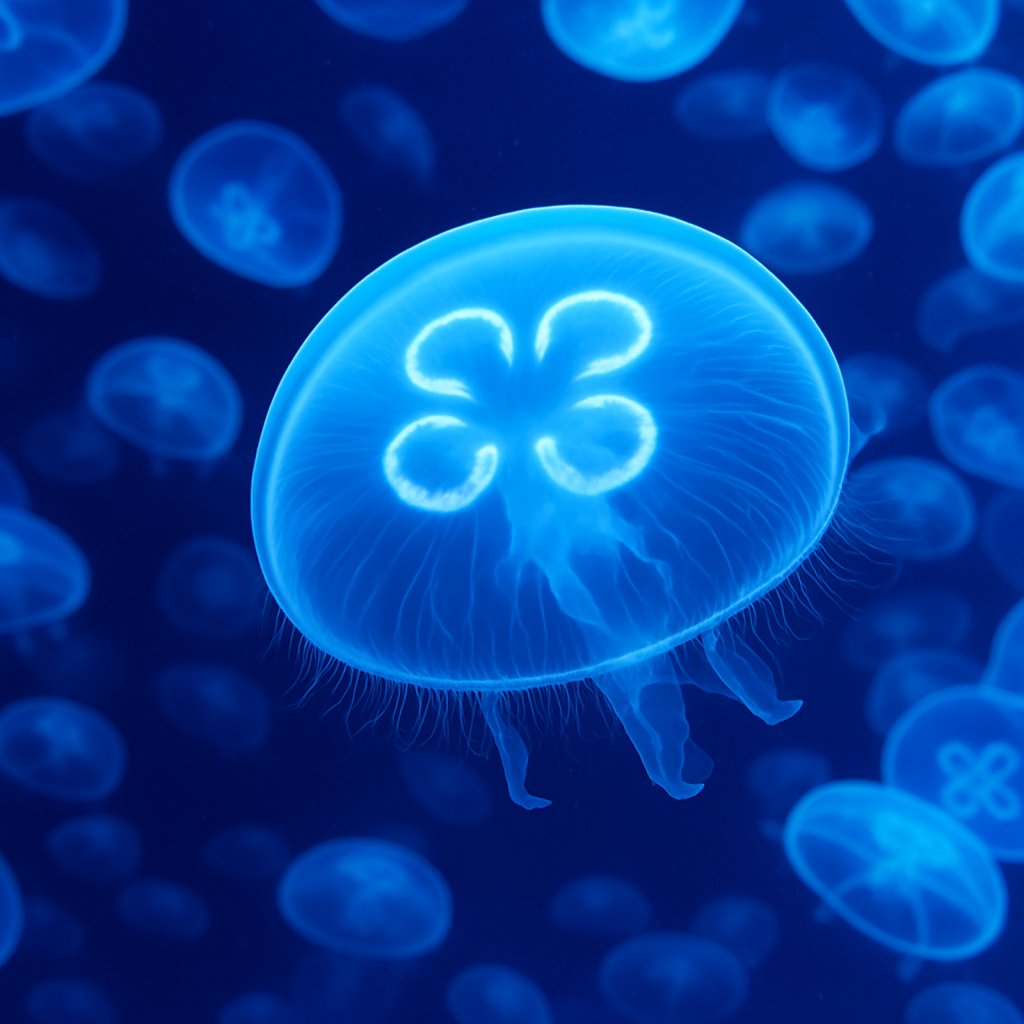
I love that there are more details, but I like my image better 😄
You can now edit the AJCP to get different results.
The part that confuses me is the fact that there is no public information about AJCP.
Let’s see if the format stays the same in a different Chat:
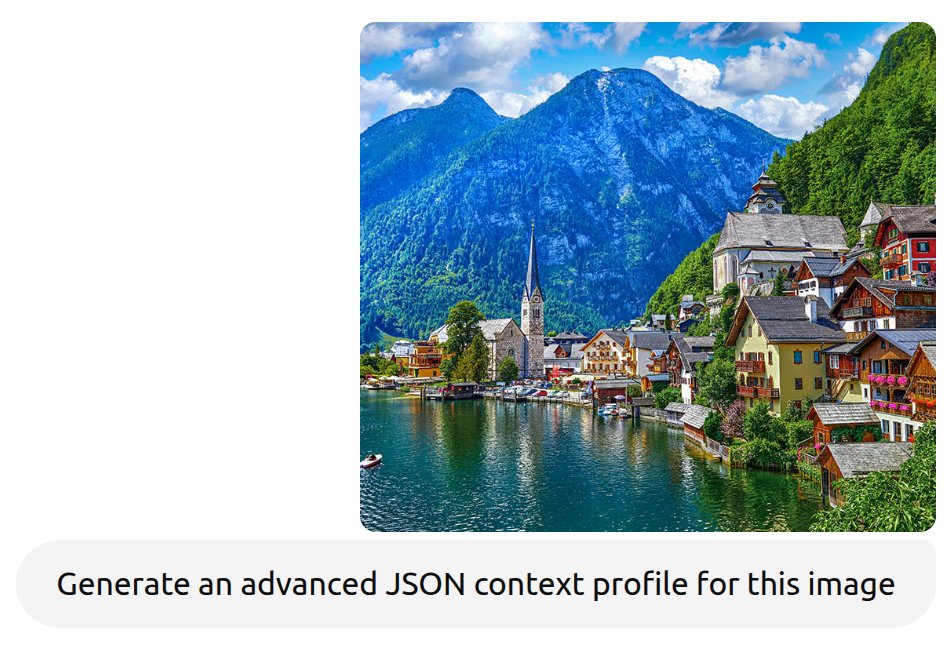
gave:
{
  "location": {
    "name": "Hallstatt",
    "country": "Austria",
    "region": "Upper Austria",
    "coordinates": {
      "latitude": 47.5615,
      "longitude": 13.6493
    },
    "landmarks": [
      {
        "name": "Hallstatt Lutheran Church",
        "type": "religious",
        "architecture_style": "Gothic Revival",
        "description": "Tall, pointed steeple prominently visible by the lake."
      },
      {
        "name": "Catholic Parish Church of Hallstatt",
        "type": "religious",
        "architecture_style": "Baroque with Romanesque roots",
        "description": "Hilltop church with a historic charnel house nearby."
      }
    ]
  },
  "natural_features": {
    "body_of_water": {
      "name": "Hallstätter See",
      "type": "lake",
      "characteristics": [
        "Alpine lake",
        "Calm and reflective water",
        "Used for tourism and boating"
      ]
    },
    "mountains": [
      {
        "name": "Dachstein Mountains",
        "type": "limestone Alps",
        "elevation_range_meters": "2000-3000",
        "features": [
          "Snow-capped in winter",
          "Popular for hiking, climbing, and skiing"
        ]
      }
    ],
    "vegetation": [
      "Dense alpine forests",
      "Mountain meadows",
      "Decorative flower boxes on houses"
    ]
  },
  "architecture": {
    "style": "Austrian Alpine",
    "materials": ["wood", "stone", "plaster"],
    "building_features": [
      "Gabled roofs",
      "Wooden balconies",
      "Colorful facades",
      "Flower decorations"
    ],
    "density": "High along the waterfront and ascending the hillside"
  },
  "cultural_elements": {
    "tourism": {
      "popularity": "Very high",
      "visitors_per_year": "Up to 1 million",
      "UNESCO_status": "World Heritage Site"
    },
    "heritage": [
      "Salt mining history",
      "Traditional Austrian architecture",
      "Religious landmarks"
    ],
    "transport": {
      "watercraft": ["Rowboats", "Tourist ferries"],
      "walkability": "High, narrow streets with limited vehicle access"
    }
  },
  "visual_composition": {
    "dominant_colors": [
      "#3a6a95",  // Blue lake and sky
      "#4f7c48",  // Forest green
      "#c9a76c",  // Warm yellows and oranges of buildings
      "#c4c4c4",  // Light stone colors
      "#ffffff"   // Clouds and some trim
    ],
    "lighting": {
      "type": "Natural daylight",
      "weather": "Clear with scattered clouds",
      "time_of_day_estimate": "Late morning to early afternoon"
    },
    "depth": {
      "foreground": "Boats and waterfront houses",
      "midground": "Main town area and church spire",
      "background": "Mountain range"
    },
    "symmetry": {
      "balance": "Asymmetrical but harmonious",
      "perspective": "Oblique angle, slightly elevated viewpoint"
    }
  },
  "usage_suitability": {
    "ideal_for": [
      "Travel brochures",
      "Postcards",
      "Wall art",
      "Tourism websites",
      "Cultural documentaries"
    ],
    "emotional_response": [
      "Tranquility",
      "Wonder",
      "Nostalgia",
      "Admiration for nature and tradition"
    ]
  }
}
Ok, so the “format” is not really structured as the structure of the document changes from request to request.
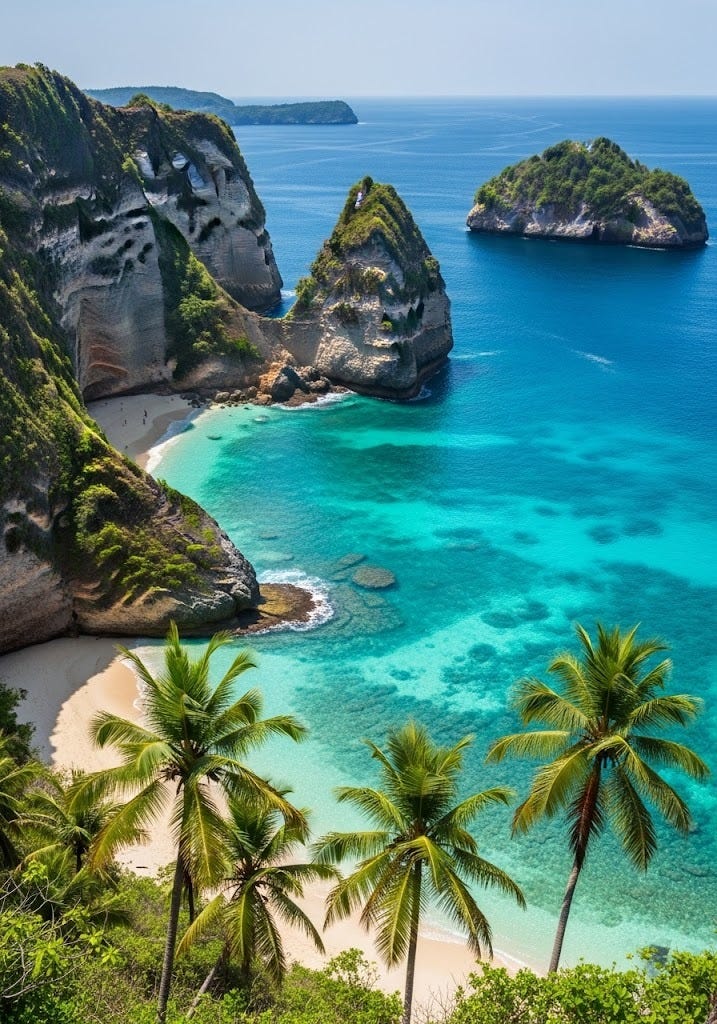
Giving this AJCP back to ChatGPT in a different chat results in:
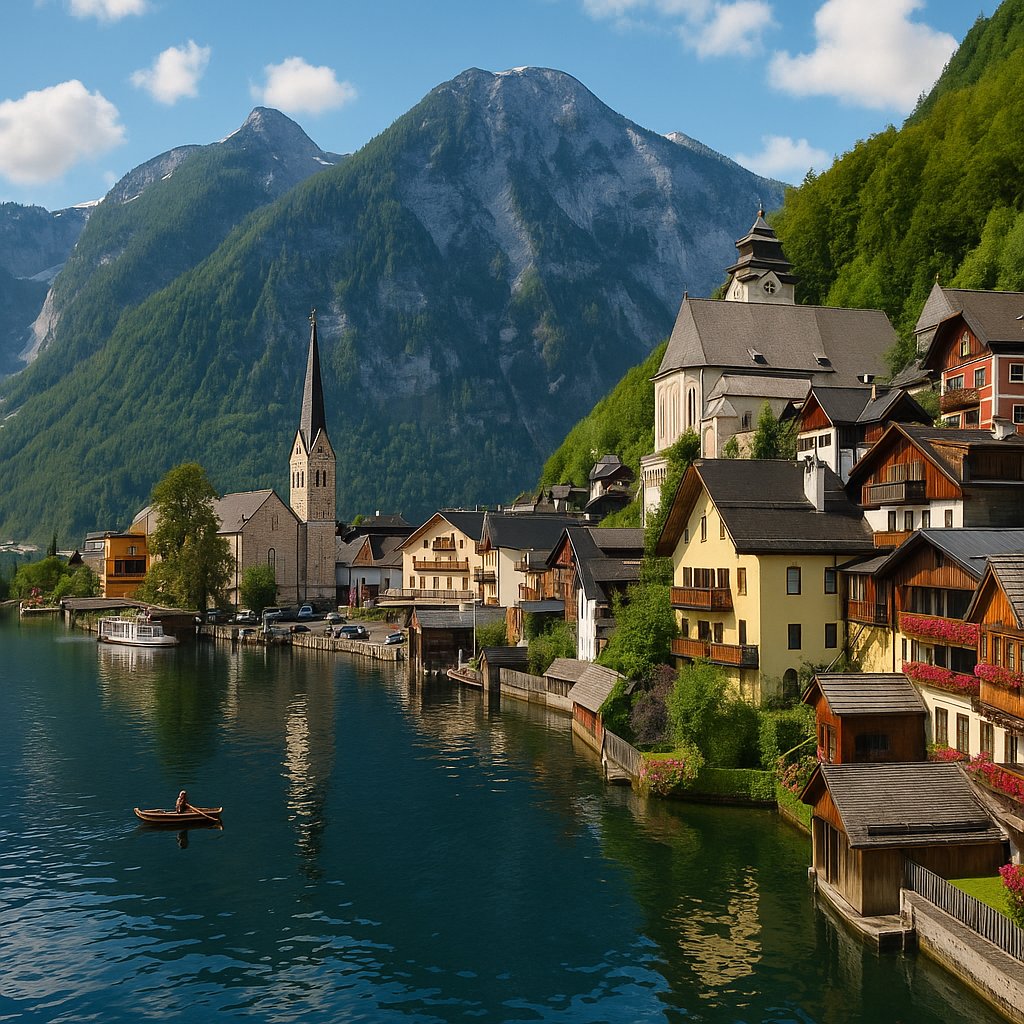
Crazy.
Side-by-Side: Original vs Generated
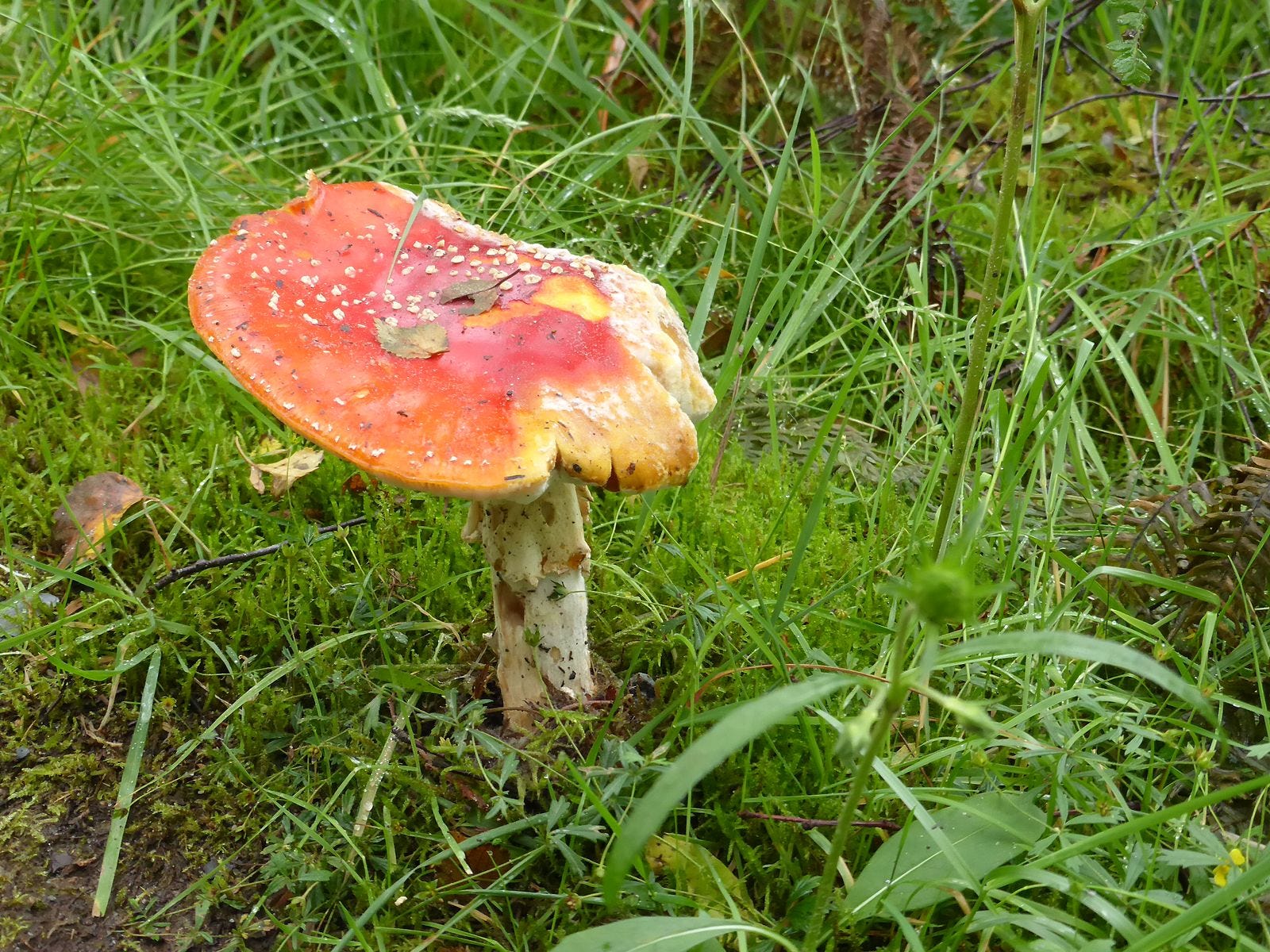
On the left you will see the original input image, on the right is the output image generated from the automatically generated “Advanced JSON context profile”:
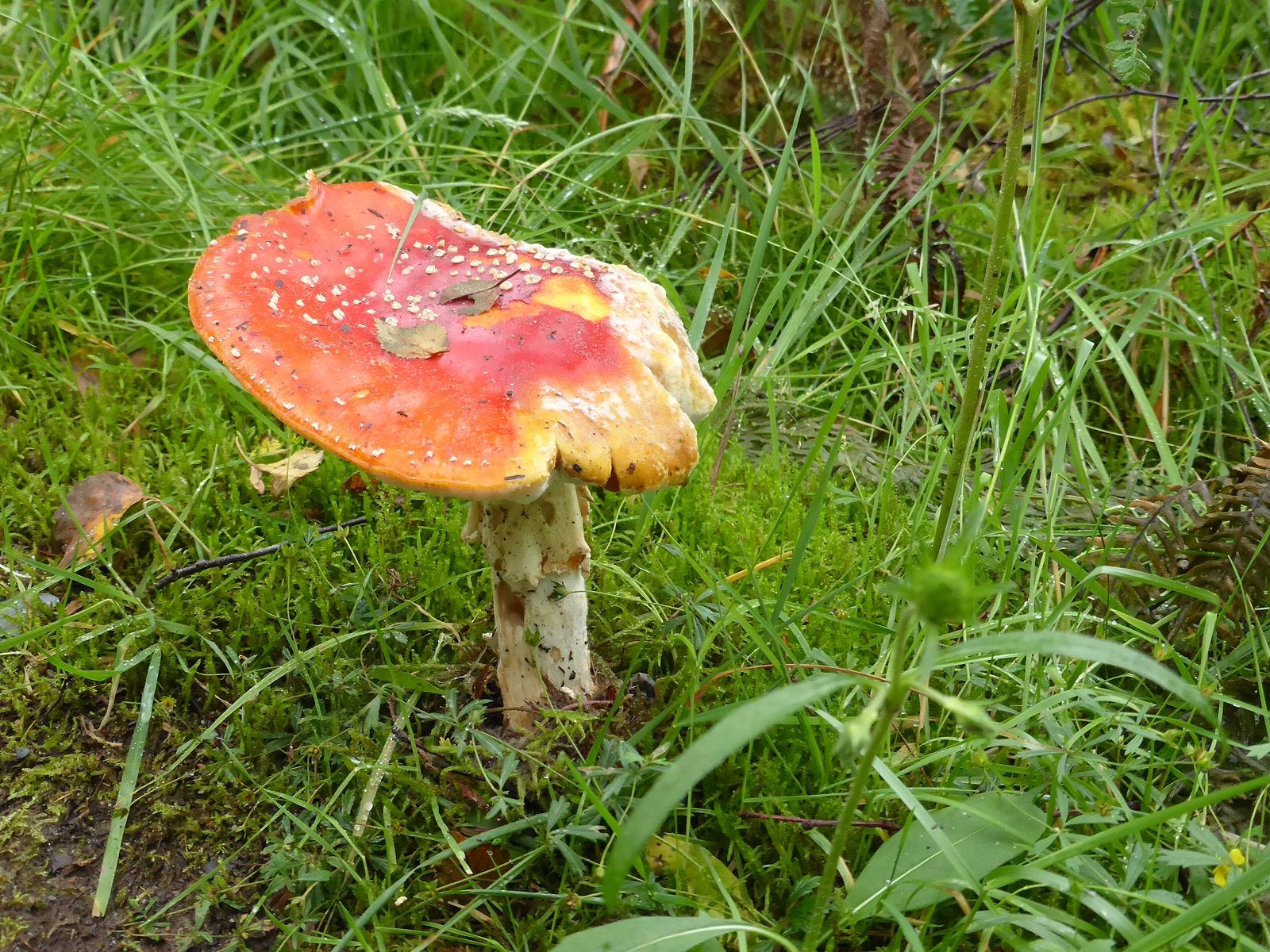
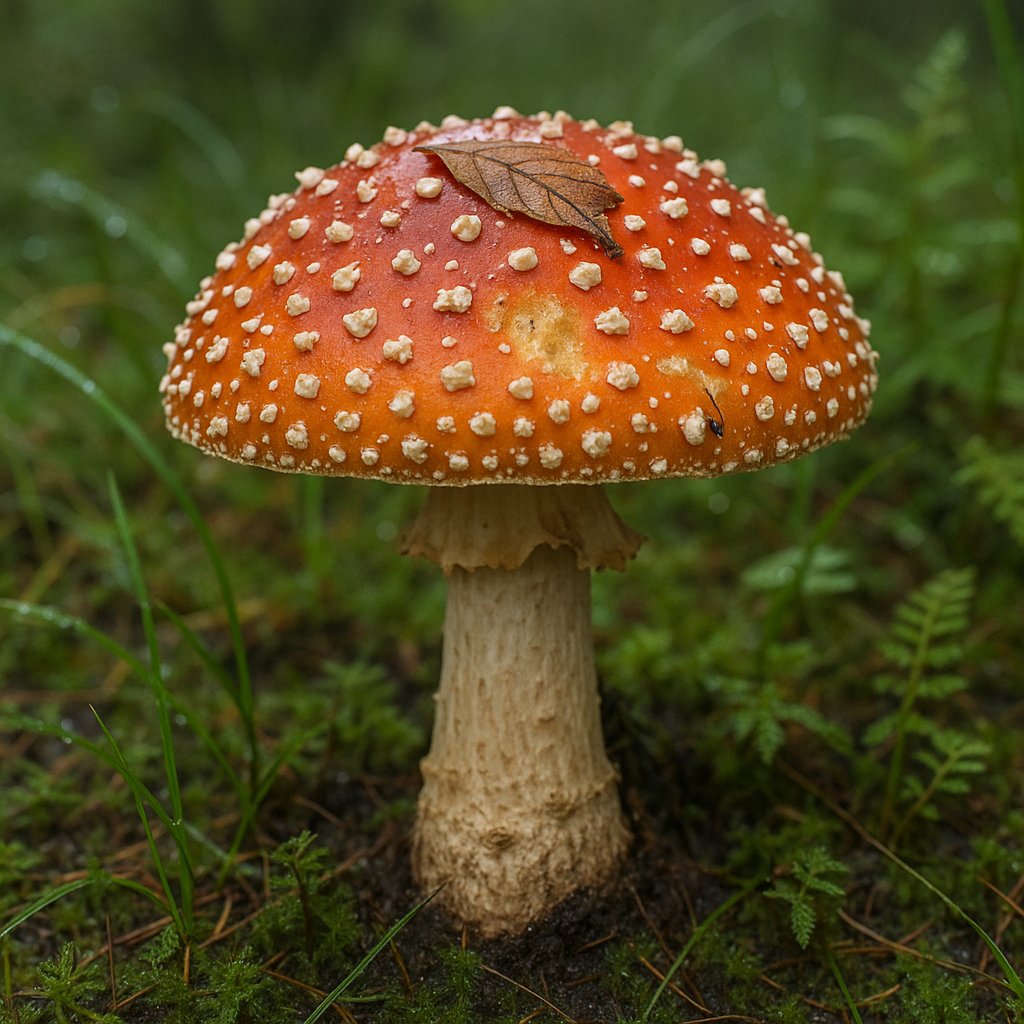
Crazy. Both are fly agaric mushrooms, but the generated image looks way cooler. Because the quality is so good it looks generated.