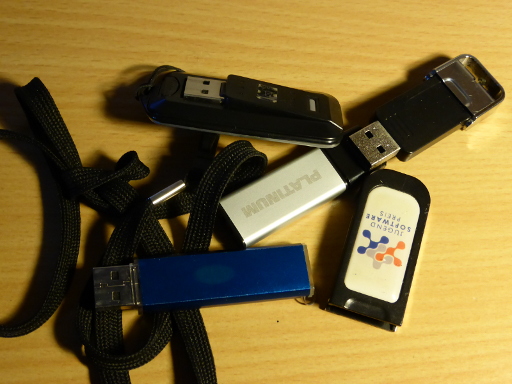
Once in a while I think it is time to reduce the damage being done by the loss of a USB stick.
Remove all data
Find the USB stick on your Linux system with fdisk -l. Make super sure that
you really got the stick (e.g. by removing it and executing the command again).
It should be something like /dev/sdb1.
The following command will overwrite the data on the stick 5 times:
$ shred -f -n 5 /dev/sdX
This may take several minutes even for very small USB sticks.
Format the stick
Start gparted and use the GUI.
See also: How to format a USB flash drive?
Add README
In case I lose the stick, adding a README.txt with a way to contact me makes it more likely that I get the stick back.
Dieser USB-Stick ging verloren.

Mein Name ist Martin Thoma. Sie können mich per E-Mail unter
[email protected] erreichen.

---

This USB-Stick was lost.

My name is Martin Thoma. You can contact me via e-mail: [email protected]