We use signatures to show that we have read a contract and want to do our part of fulfilling it. They serve two purposes: Expressing an intent and being able to prove to the authorities that this intent was expressed in case one of the parties does not follow the contract. For example, if you sign a rental agreement, your landlord has proof that you wanted to pay the stated rent each month. And you have the proof that you actually can use the apartment.
Let’s learn about the problems of this approach and the digital equivalent!
Why handwritten signatures are problematic
Let’s first explore the issues of traditional signatures.
Problem #1: Connecting the signature with your identity
Let’s assume that you want to fool a landlord. You sign, but you use a different signature. To be able to tell that this is a fake signature, your landlord needs an identity document. The signature itself is not enough. And the identity document needs to have a signature on it!
Now the landlord needs to check (1) if the identity document is valid and (2) if the signature is the same.
Problem #2: Accepting valid signatures
If you write your signature twice, it will look different. This is sometimes an issue if your identity document expires and you need a new one. If the issuing authority allows changes, then they need to track your changes.
If you get sick, you might not be able to write that signature in the same way any longer.
Another issue here is that you cannot just exchange the pencil and the medium on which you write. Even the table and the seat can influence what your handwriting looks like. Case in point: Signature pads when you accept packages and confirm that you have received them.
Problem #3: Declining invalid signatures
If somebody else knows your signature, they can probably create a very similar one after a few hours of practicing.
Problem #4: Protect the signed document from tampering
If you have multiple pages where you sign only the last one: How do you prevent people from changing the first pages?
Problem #5: Repudiation
You might have signed a contract with a company, but realized a bit later that it was a bad decision. You changed your mind. So you just claim that you never signed it. If this is possible, it’s bad. We want non-repudiation for contracts.
How do digital signatures work?
Asymmetric cryptography is a set of algorithms that has the property that encryption and decryption do NOT use the same key!
Symmetric cryptography:
  encrypt(plain text, key) = ciphertext
  decrypt(ciphertext, key) = plain text

Asymmetric cryptography:
  encrypt(plain text, key A) = ciphertext
  decrypt(ciphertext, key B) = plain text
This is amazing because it allows you to share key B publicly and the other one — key A — private. Then you can encrypt any text using your private key and people will know that the message was encrypted by you because the public key, key B, can decrypt it.
Thus a digital signature is an asymmetrically encrypted file, where the decryption key is public. Everybody can decrypt it, but only the keyholder can encrypt a file such that the specific public key can decrypt it.
The awesome part is that you can now prove clearly and securely that the holder of key A did sign the document. You just solved problems #2, #3, #4, and #5!
Please note that problem #1 remains: You still need to make sure that the holder of key A is actually the person you think it is.
There are several concrete algorithms that fit in this category. The RSA cryptosystem is for sure the best-known one, closely followed by DSA (see differences). ECDSA is also pretty widespread.
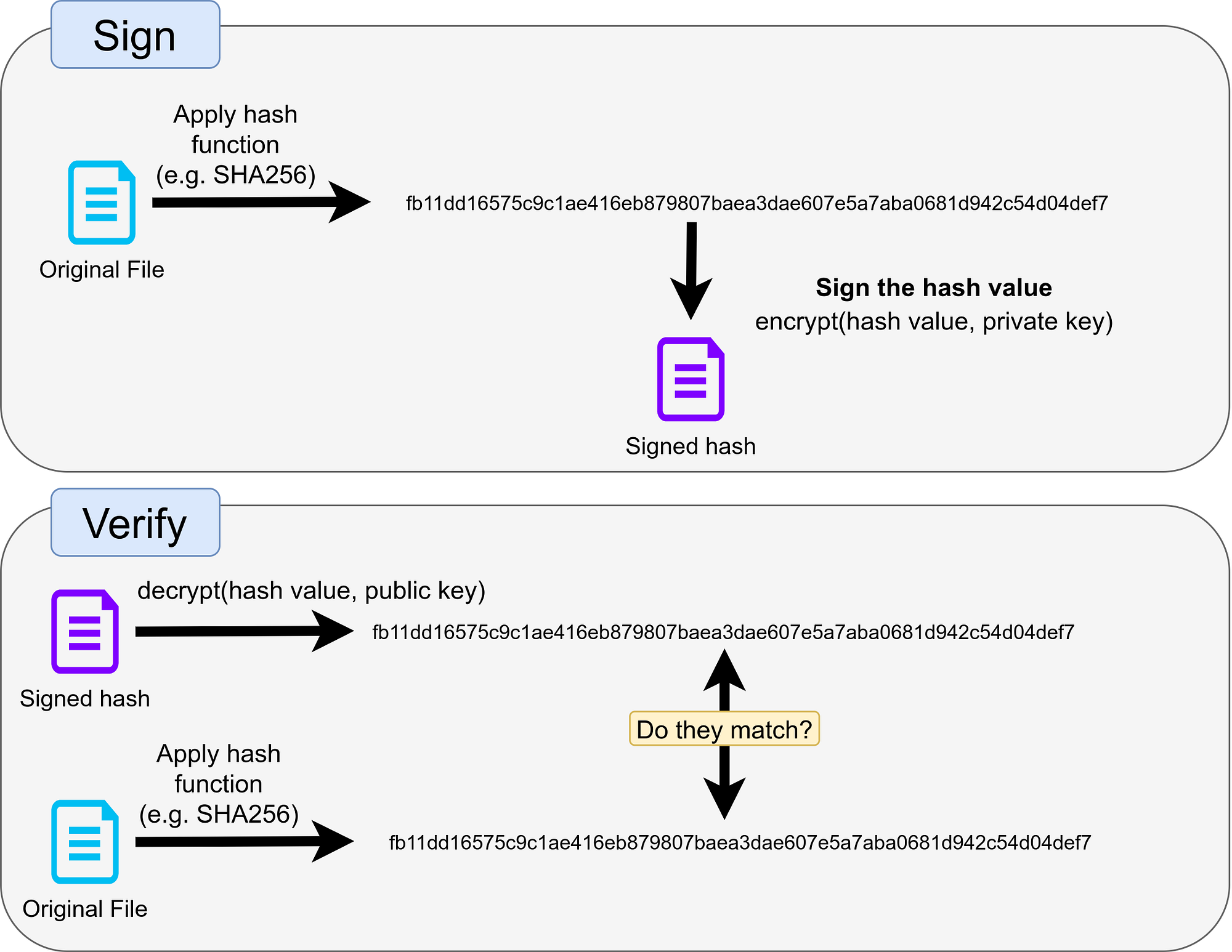
Please also note that if the file is signed by encrypting it with the private key, you actually need the public key to read it at all. This might not be desired. Instead, you can calculate the shorter hash value of the file and sign that hash value. The scheme is then:
Application #1: Communication (E-Mail, SMS)
When you write e-mails, you don’t need to trust your email provider in terms of privacy and tampering. You can encrypt the mail with the recipient’s public key and sign it on your side. This way the recipient knows for sure that there was no tampering and that the message comes from you. It could only happen that your provider does not deliver the message at all.
Application #2: Code Contributions
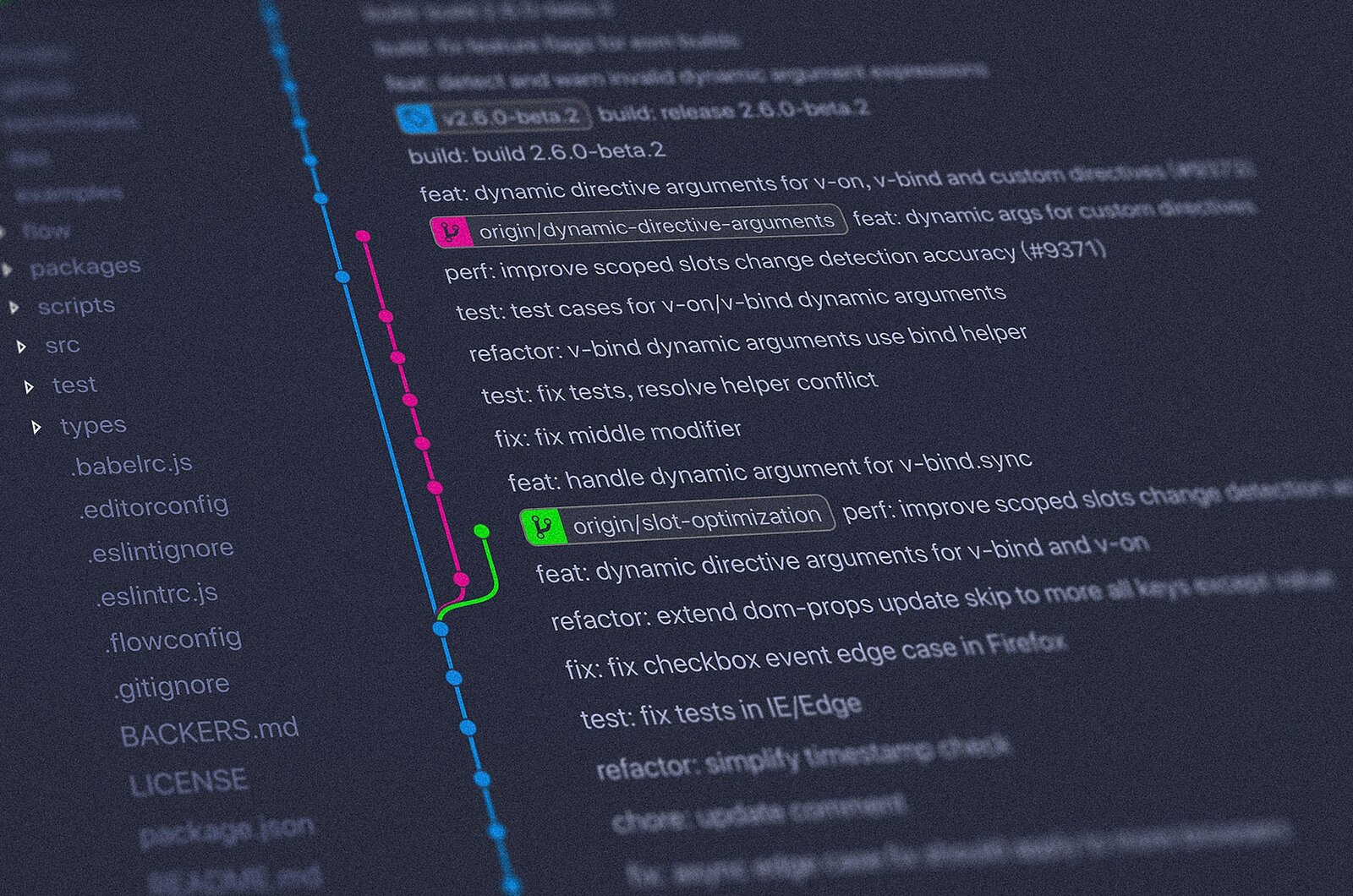
Lots of code is written as open-source by plenty of individuals. They might be volunteers who just have fun coding or they might be paid for those contributions. The maintainers of the projects need to ensure that all contributions are helpful, but they might lack the time to check each and every contribution. They need to be able to trust some people. Typically the first ones get checked thoroughly, but with time you might even become a trusted contributor. People start to trust you. But they need to be sure that it’s the same person. They need to be sure that your contribution was not changed. For this reason, you sign every contribution.
Application #3: Software Updates
Think of your Smart TV / Alexa / FritzBox. All of those devices need updates. Let’s say that you can plug a USB stick with the update file in the device. As the manufacturer, you want to make sure that the update was not changed. You want to guarantee that the device will continue to work. So you share the public key of the company within the device. When the device finds an update, it verifies that the company is the origin by checking the signature of the update.
Application #4: Digital Diplomas
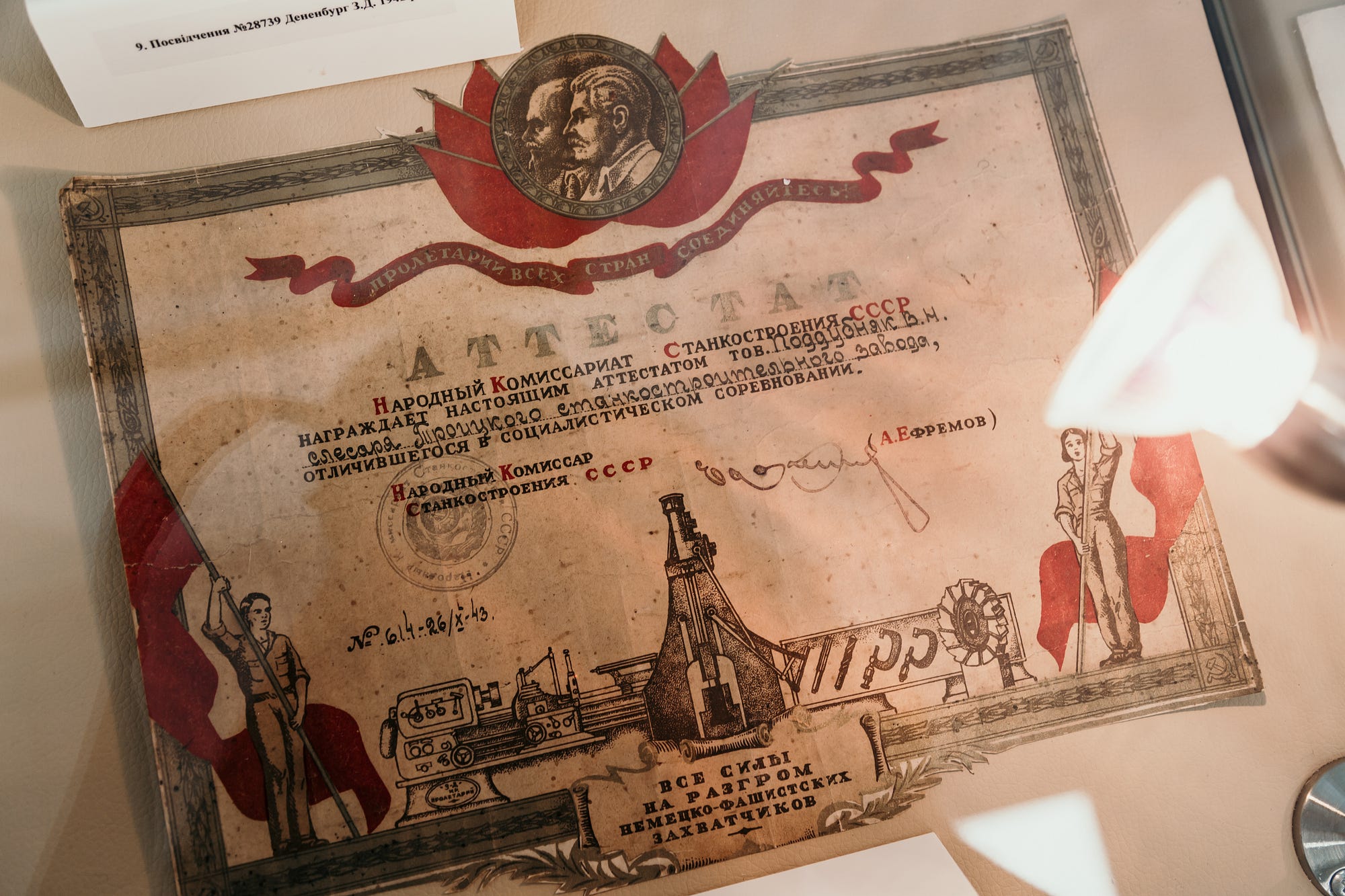
When you apply for a job, your potential new employer might want to see reference letters and your diploma. Especially since the coronavirus is raging around the world, those documents get handed in digitally. How do the employers check if the diploma is actually valid?
A digital signature could help. You would need to have a digitally signed
version of your diploma and be able to share the public key in a way that is
trustworthy with your employer. For example, your university could simply put
that key on their website. The future employer would then need to download
your university's public key and run gpg --verify against your diploma.
If you want to experiment with signing files, first install the GNU Privacy Guard (short: GnuPG, even shorter: GPG) and create your own gpg key: GnuPG - User guides This page collects documents available as user guides for GnuPG. Thanks to the DocBook system, John Michael Ashley's…www.gnupg.org
Then you can run those commands:
# Create a my-cv.pdf.gpg file - a signed version of my-cv.pdf:
gpg --sign my-cv.pdf

# Verify the signature:
gpg --verify my-cv.pdf.gpg
# Prints:
# gpg: Signature made Fr 16 Apr 2021 19:22:38 CEST
# gpg:                using RSA key
# D1E632346B642680EF360D696901E782EF663EC4
# gpg: Good signature from "Martin Thoma (Generated on
# 2021-01-15 for private use) <[email protected]>" [ultimate]

# Get the contained document:
gpg --output original.pdf --decrypt my-cv.pdf.gpg
Application #5: Cryptocurrencies
In order to prove that you are the holder of a Bitcoin, the system uses asymmetric cryptography. At the very beginning, somebody is guaranteed to be the valid owner of the coin. After that, the valid owner is defined to be the owner of a private key, matching to a given public key.
Please note that digital signatures only prove the ownership at a specific point in time. They do not solve the problem that an owner might just spend the coin twice — the double-spending problem.
“Coin” is actually a misnomer. See my article about UTXO for more details:
The UTXO model A technical cornerstone of Bitcoin
Summary
- Digital signatures prove that the signed document was signed by the key holder.
- The keyholder is not necessarily the person you think it is — you still need to initially verify the identity.
- The public key has to be shared and obtained by the verifying party.
- The private key still has to be kept private and must not get lost.
- RSA, DSA, ECDSA are currently good algorithms for cryptographic signatures. Use a well-tested library to apply them — cryptography is hard and it’s easy to get something wrong.
I hope that this article has given you another tool for your software development toolbelt!